Week 2 - Contents
1 — Input vs. Output
INPUT
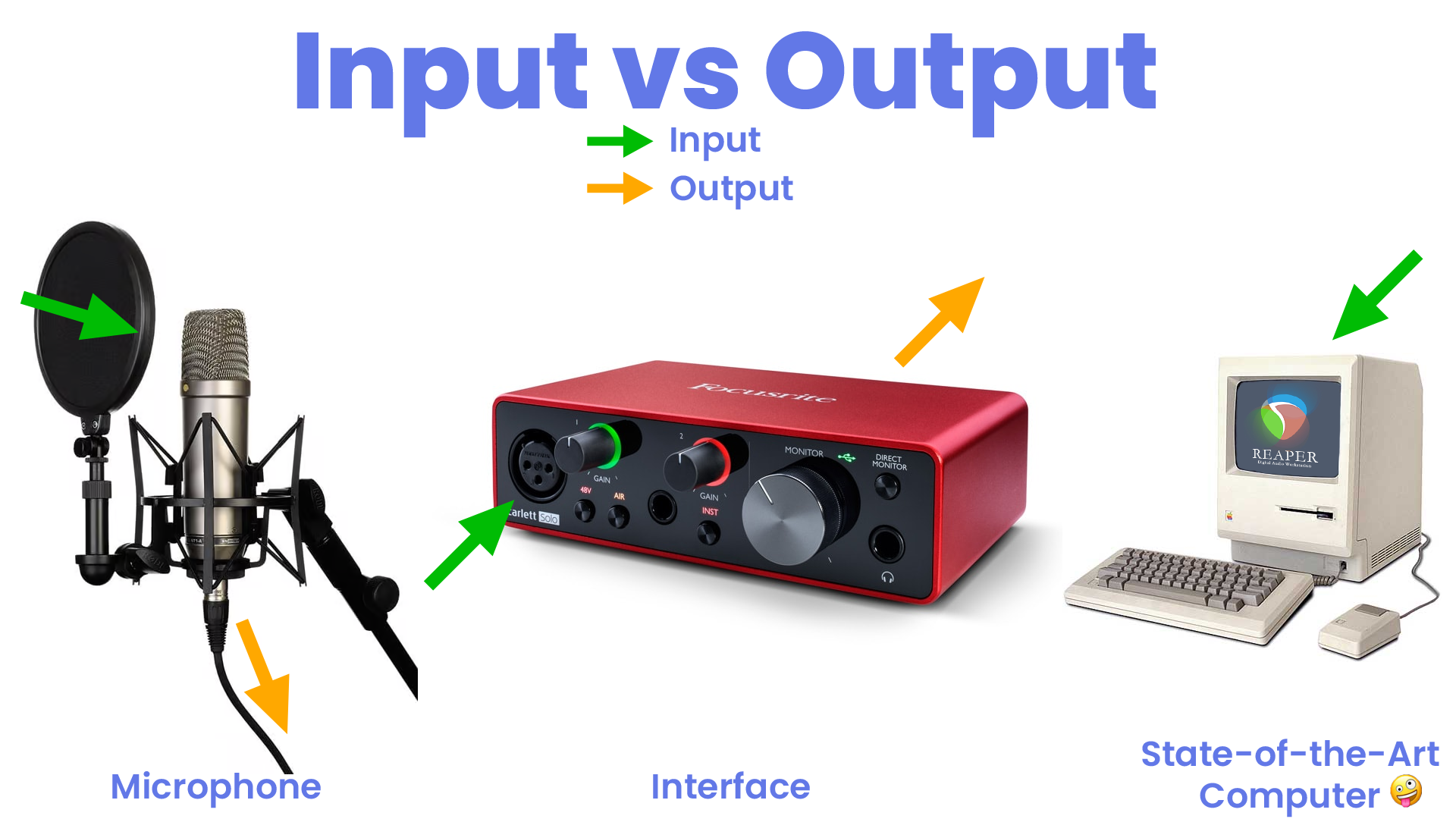
An input accepts the signal of an output signal from an external piece of equipment.
In a voice actor’s “signal chain” – (the path between their mouth and the speakers or headphones) – common input items would be:
- the capsule / diaphragm of your microphone that you speak into;
- the port you plug your cord into on an interface or mixer;
- a dedicated preamp and/or channel strip;
- your computer; and
- headphones and/or monitors (speakers).
OUTPUT
An audio output produces a signal that drives another unit’s input, or produces a playback signal (such as speakers or headphones).
Though it might not seem correct when you first think about it, the microphone is an output device because it is sending the signal out from its components to the next device in the signal chain… 🙃
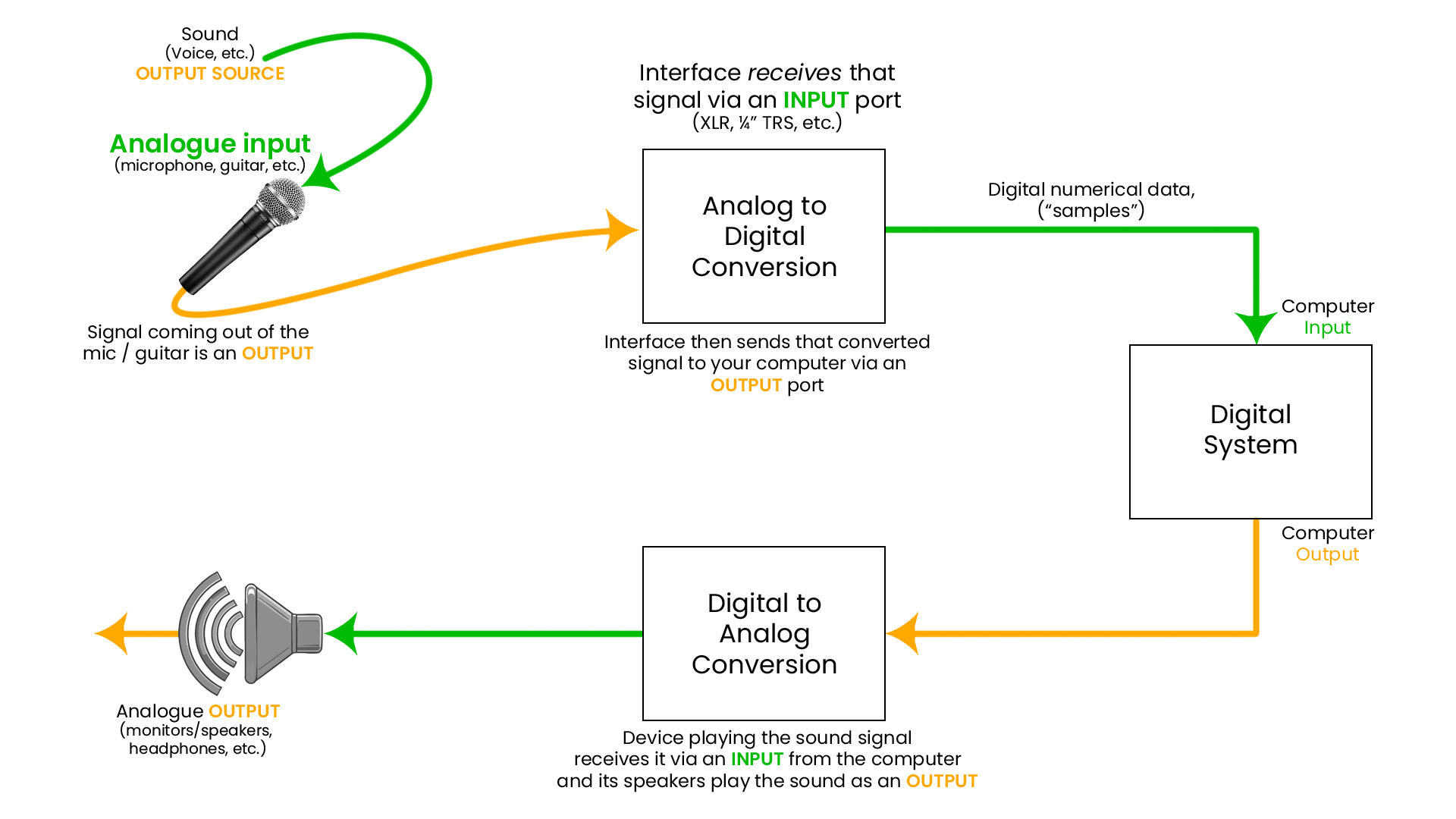
In addition to looking at the below images, I’ve attempted to write out the signal flow in text as well lol
The signal travels along the signal chain like this:
VO voice Out → IN Mic Capsule → Out Mic XLR Cable → IN XLR Cable into Interface → Out Interface USB cable → IN Computer USB port→ OUT (EITHER) Computer or Interface Headphones or Speaker port
Or to attempt to use emojis:
🗣️ → 🎙️ → 🎛️ → 🎵 → 🖥️ → 🔊
One of our former students, Ian, explained it by saying:
"So the input is more of a recipient, and output more of a provider."
2 — Mic Level vs. Line Level
A mic-level or microphone-level signal describes the voltage generated by a microphone when it picks up sound, typically just a few thousandths of a Volt. This voltage varies in response to changes in sound level and distance.
Mic level is the weaker of the two and requires a pre-amplifier to bring it up to line level. Mixers and preamplifiers are the most common hardware types that provide power to our mics.
A line-level signal is approximately one Volt, or about 1,000 times as strong as a mic-level signal; the two do not use the same input.
- Connecting a microphone to a line-level input will result in almost no sound at all, because the mic-level signal is too weak to drive the line-level input.
- Connecting a line-level source to a mic-level input will cause the sound to be loud and distorted because the line-level signal is much stronger than what the mic input will accept.
- (Note: Inputs and Outputs on some higher-end mixers are mic and line level switchable.)
3 — Balanced vs. Unbalanced Cables
Balanced cables consist of three conductors: hot, cold, and ground.
These cables help shield the audio signal from external noise and interference. They are generally preferred for long cable runs.
Unbalanced cables consist of only two conductors: hot, and ground.
These cables are susceptible to external noise and interference. They are less likely to be used for longer cable runs, and care should be taken to ensure they are not placed too closely or overlapping other unbalanced cables.
For example:
- XLR cables are a balanced cable and are what your microphone uses to connect to your audio interface, etc. (unless you’re using a USB mic)
- An electric guitar cable* would be a common example of an unbalanced cable.
You can get interference on an unbalanced cable by it being near or touching other cables, especially if placed in a mess of wires. Even lighting can cause interference if their cables are in close enough proximity.
* Electric guitars, and other instruments, use cables more commonly referred to as an “instrument cable” which most commonly uses a cable that has a ¼” audio jack or plug. (There are exceptions, of course, but if you would like to learn more about the TS (Tip/Sleeve) / TRS (Tip/Ring/Sleeve) plugs and how they’re used – and why – please have a look at this Wikipedia article.)
Phantom power only works on balanced cables.
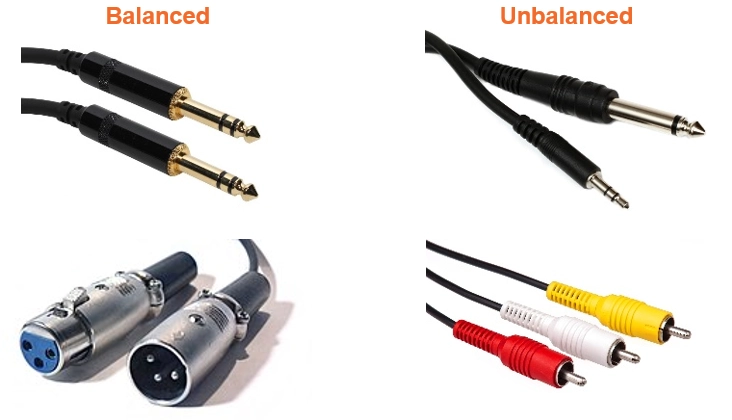
Shown in this image are a few examples of balanced and unbalanced cables.
For a more in-depth / technical examination of the differences, check out this page.
4 — The Microphone Continued
4.a — Mic Preamplifier ("Preamp" or simply "Pre")
A microphone preamp is a an electrical component that is either built into a larger device, or is its own dedicated device, which amplifies the microphone signal.
Microphones generally have a very low, unusable output signal. Plugging them into a preamp brings that signal level up to an audible, usable line level (ie. line level)
Unless you have an exception to the rule, there is at least one preamp built into all modern audio interfaces, mixers, and channel strips, etc.
Most USB mics house a preamp in the body of the microphone itself, which is one reason they don’t need to use an interface and can connect directly to your computer via USB, but is also why—(more-often-than-not)—UCB mics have more self-noise and are considered “louder” than other mics.
- Nearly every audio device operates at line level.
- Some “pres” sound cleaner and are of an objectively higher quality than others. Some have a lot of noise, aka “self-noise.”
- This is why some people who know what they’re talking about will advise you not to buy an expensive microphone and try to run it on a cheap interface (eg. Neumann TLM103 on a Focusrite Solo is a bad time waiting to happen!)
- Some use the analogy, “Why would I use the cheapest fuel and tyres on my Ferrari?” (or whatever expensive car they say lol)
- This is why some people who know what they’re talking about will advise you not to buy an expensive microphone and try to run it on a cheap interface (eg. Neumann TLM103 on a Focusrite Solo is a bad time waiting to happen!)
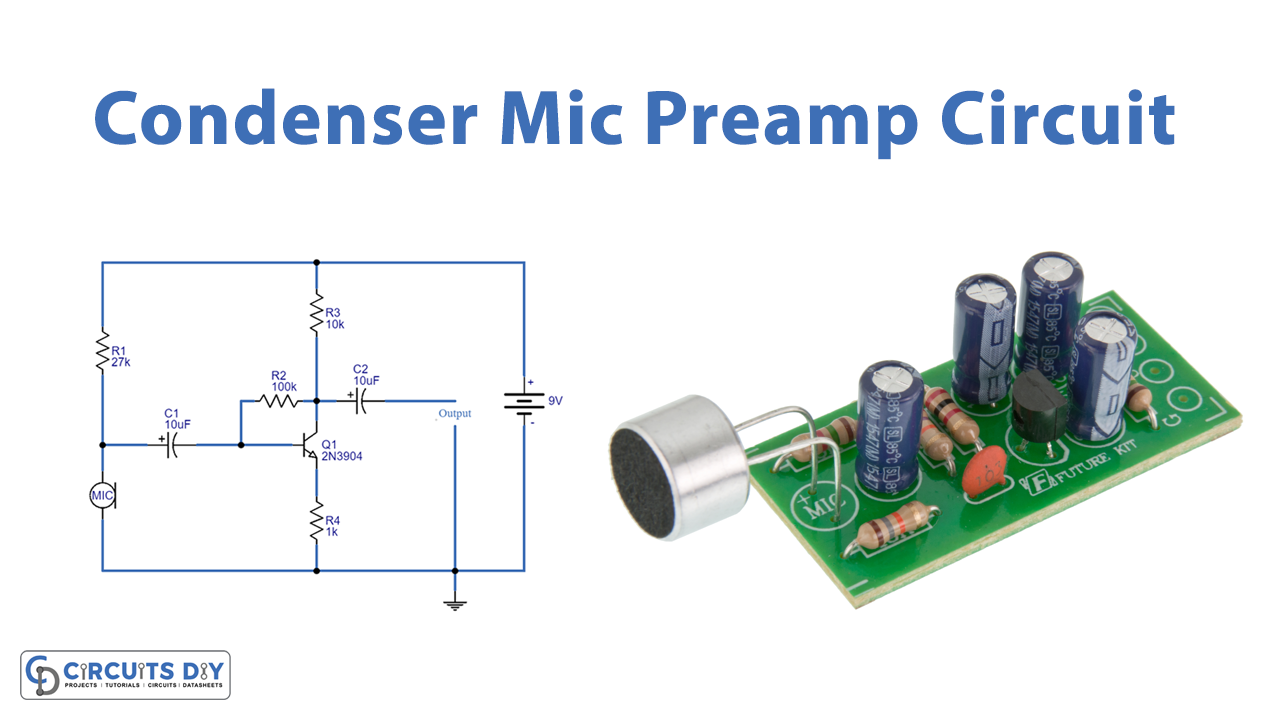
For those more DIY or electronically-minded, this article steps you through a process to construct your own Condenser Mic Preamp. Cool for the nerds amongst us haha!
4.b — Converters
Living in the ‘digital age’ of audio recording, editing, and production necessitated the design of a specific kind of technology that can take one thing and convert it into another.
Funnily enough, we call these “converters”!
4.b.i — Analog → Digital Converter
An Analog-to-Digital Converter — also referred to colloquially as an ADC or by simply saying, “A-to-D” — is:
- a system that converts an analog sound into a digital signal – such as a voice picked up by a microphone.
- This is what an audio interface does!
4.b.ii — Digital → Analog Converter
Thinking about this in reverse, A Digital-to-Analog Converter — also referred to colloquially as an DAC or by simply saying, “D-to-A” — is:
- A system that converts a digital signal (back) into an analog sound – such as a voice recording being played back via headphones or speakers.
- An audio interface also does this!
More on this towards the end of this lesson.
4.c — Mic Address & Technique
Did you know that microphones come with their own address? No, not that kind!
The kind of address we’re talking about here is the style in which the microphone is addressed:
Side Address and Top Address. (You may also hear “side fire” or “top/end fire”)
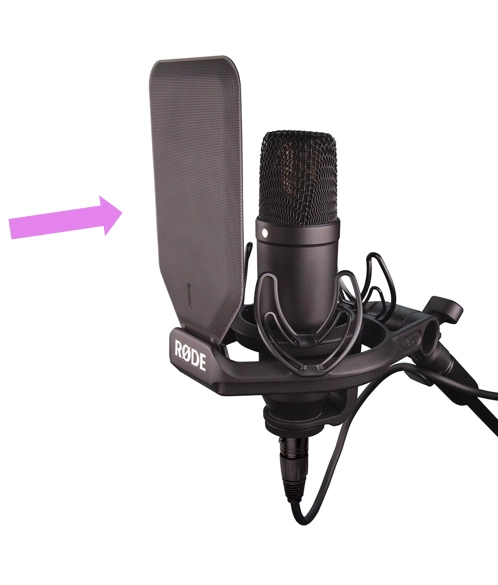
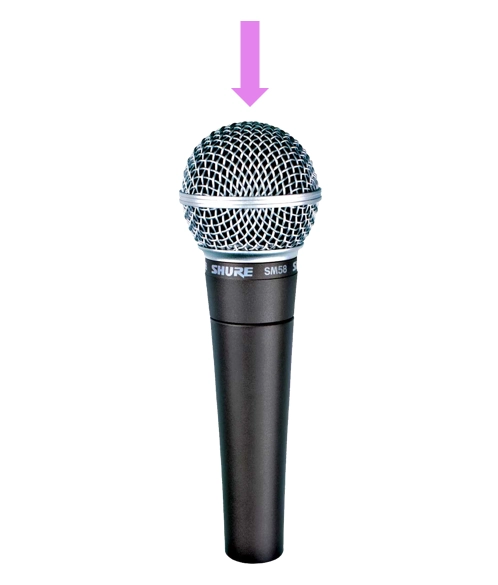
Most large diaphragm mics like the RØDE NT1 are side addressed, while many medium diaphragm mics like the Shure SM58 are commonly top or end addressed.
This isn’t always the case, but is common-enough that such a generalisation can be made.
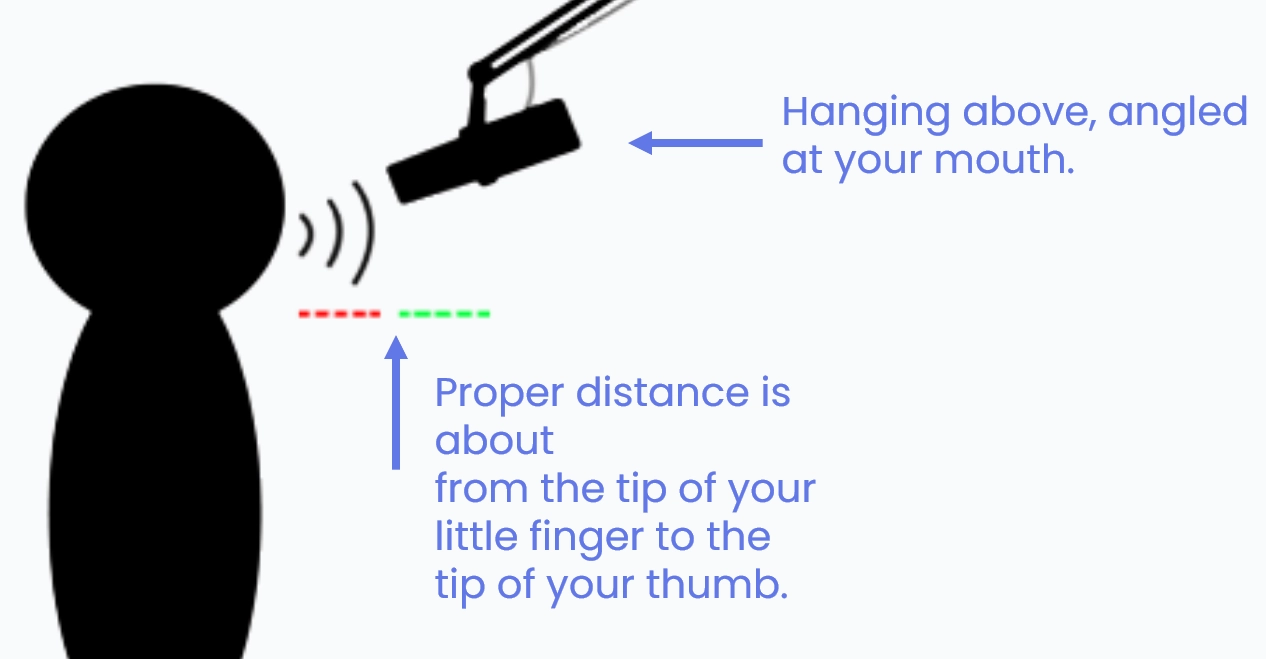
Important note about microphone technique: Don’t talk directly into the microphone’s diaphragm – you should angle yourself “off axis” and talk across the address zone.
Another tip for voiceover: Having the mic hang above but angled down towards your mouth can help avoid plosives!
I recorded the below video back in 2024 to go more in-depth about Mic Address & Technique.
(Will shorten & update it soon)
Click the below timestamp link to load that time in the frame above, then click play.
00:00 – Video Intro
01:01 – Basic Interface Tour
03:14 – Gain Staging process explanation
04:53 – Noise Floor target (-60 dB)
05:47 – Timestamps for upcoming sections
07:38 – Gain Staging – Practical Demonstration starts
08:45 – Gain Staging in REAPER
09:21 – Measuring your Loudest Peaks (-6 dB)
09:45 – Measuring your Average or Lowest Peaks (-12 dB)
10:04 – How to measure your Noise Floor
15:48 – Gain Staging process in Audacity
19:47 – Gain Staging process in Adobe Audition
25:54 – Mic Address
34:19 – Mic Technique
4.c.i — Front & Back of the Mic
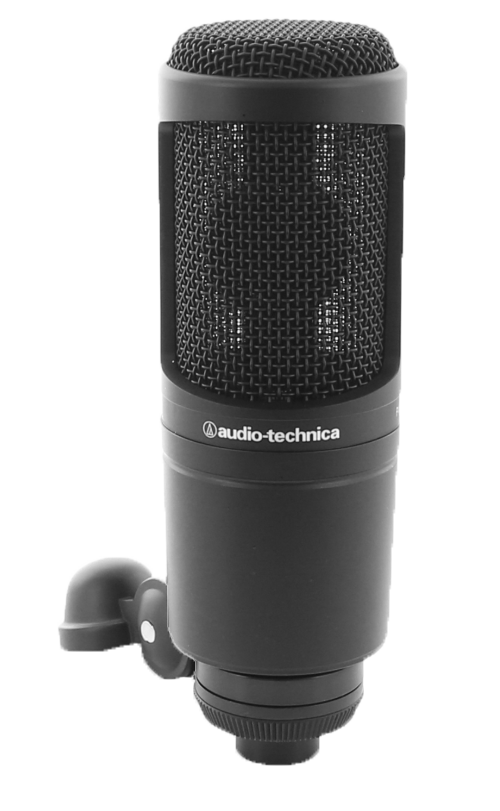
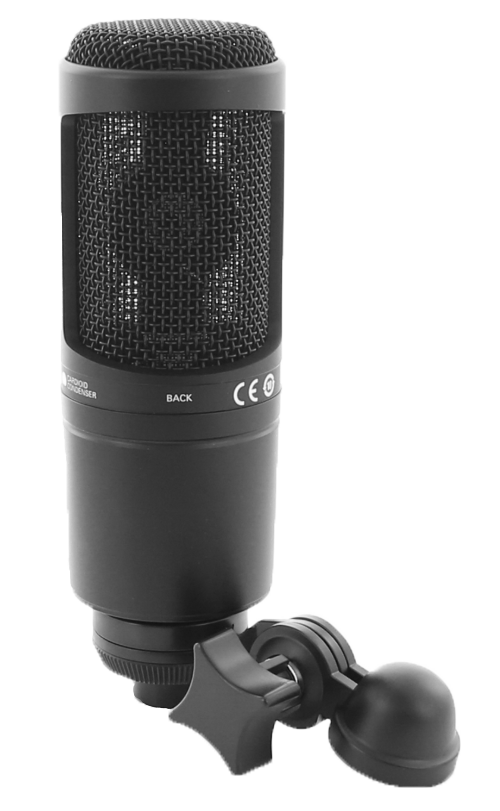
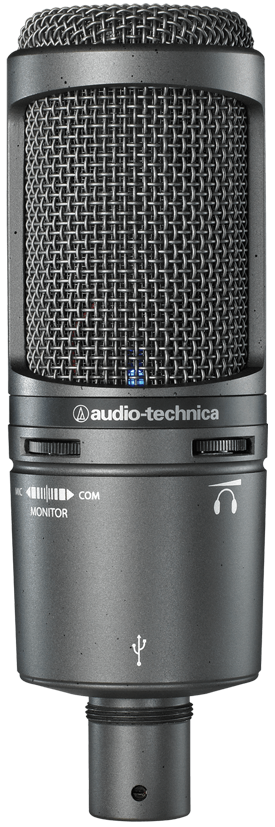
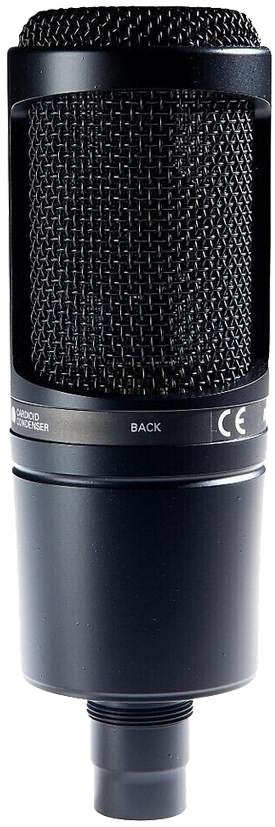
It’s important to know these things about our microphones, especially for side address mics, as some of them don’t make it obvious which is their “front” and “rear” where some don’t have any active pickup behind them – and facing your mic away from you can make your voice sound awful in your space!
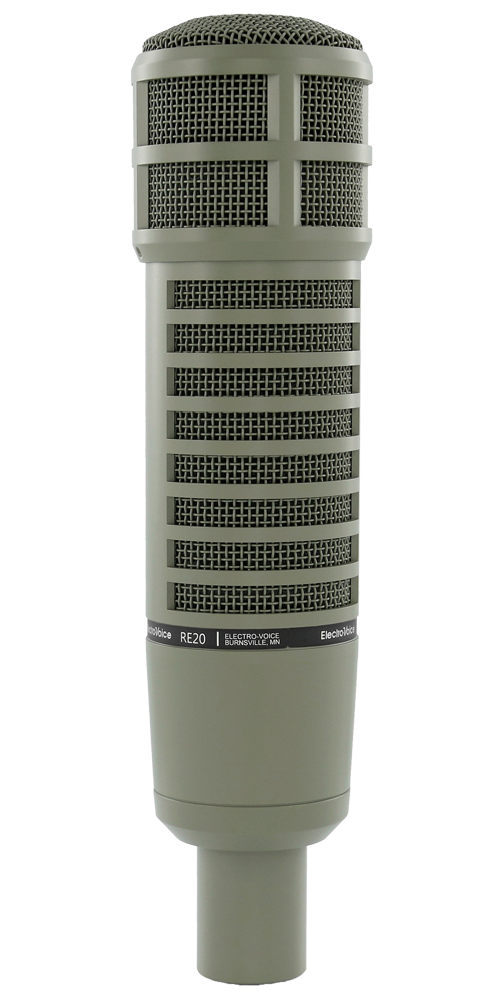
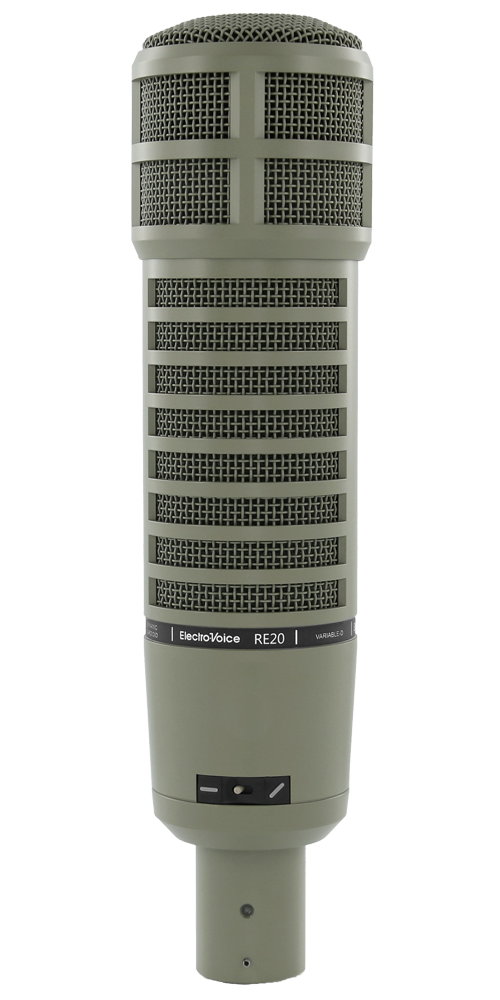
The ‘sound of FM Radio’ for decades, the RE20, this is an example of an “end fire” mic, where you talk into the end instead of one of the sides.
So rather than a ‘front’ or ‘back’, we would essentially have a ‘top’ and ‘bottom’ when it is pointing at us – and like the previous mics, the Electrovoice is on the top. 
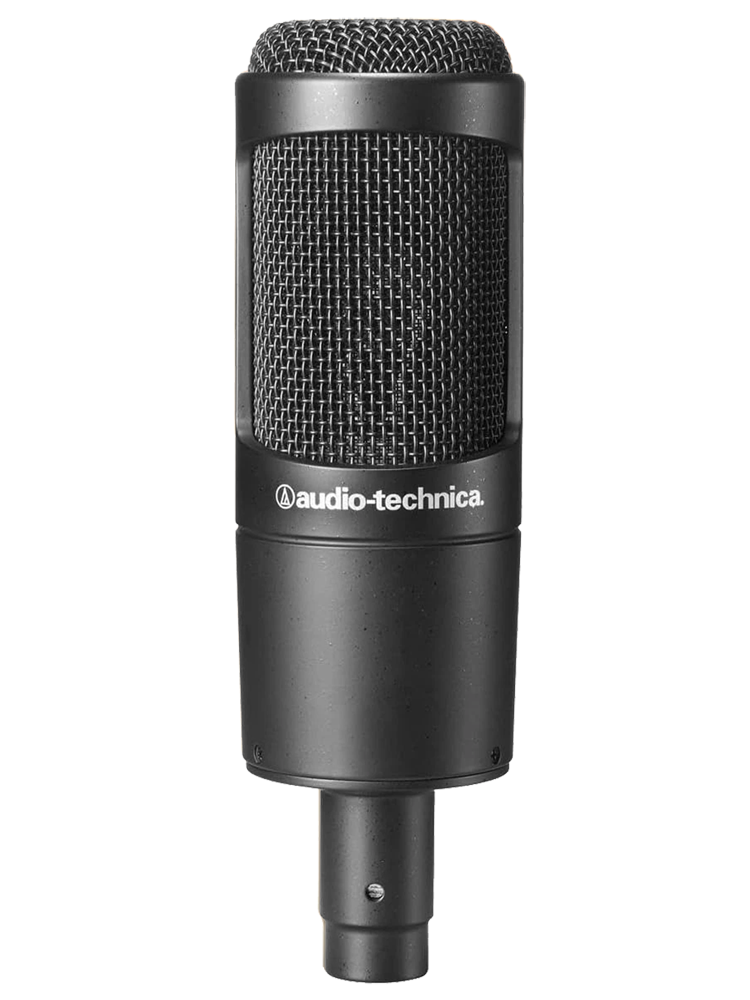
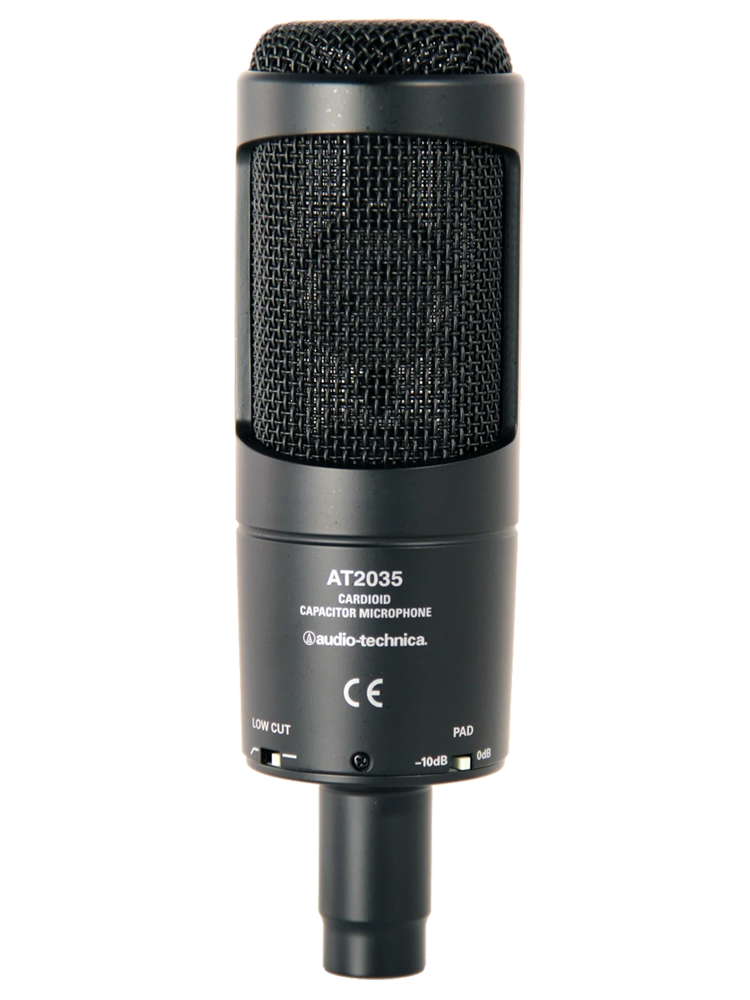
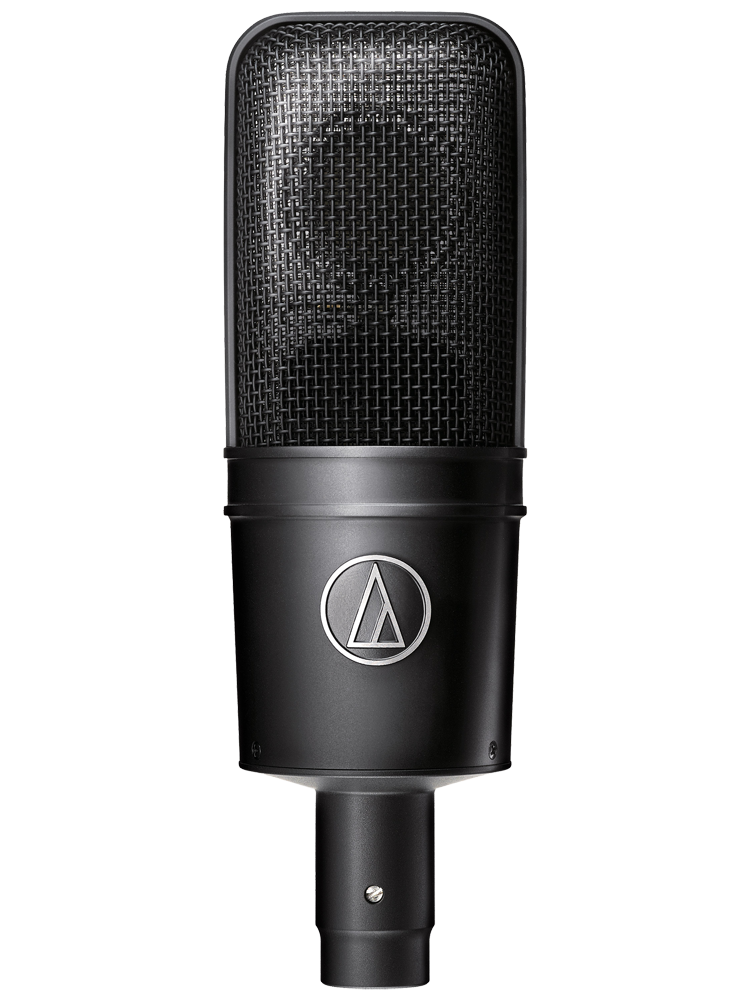
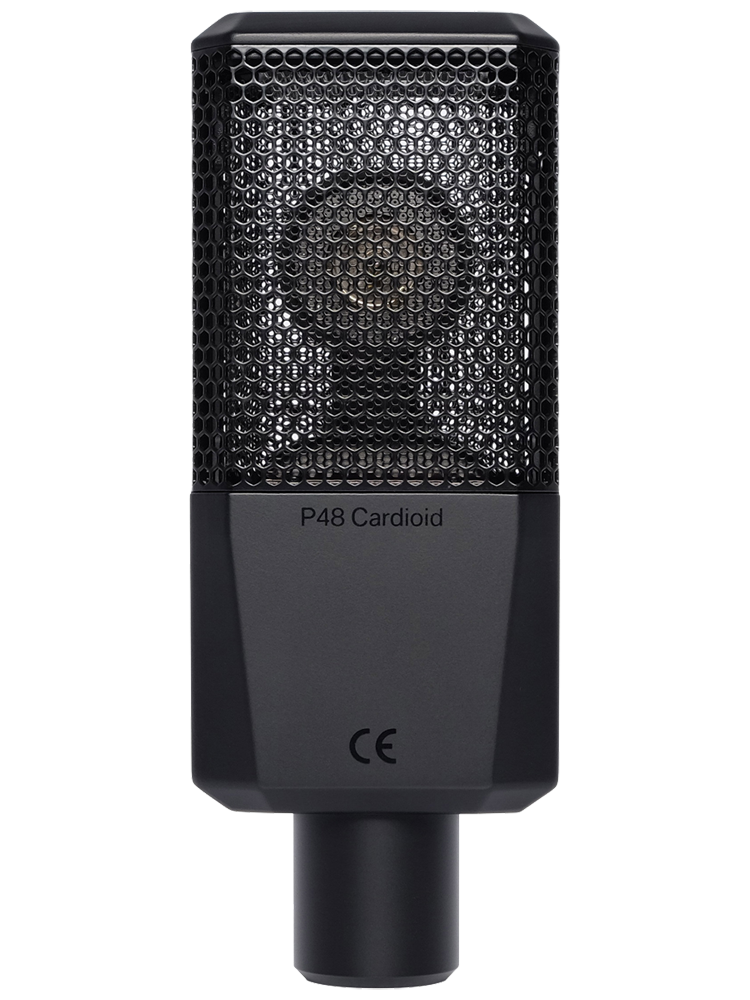
This one would be pretty hard to mix up, with a huge icon and brand name on the front of the mic, along with the model number. 
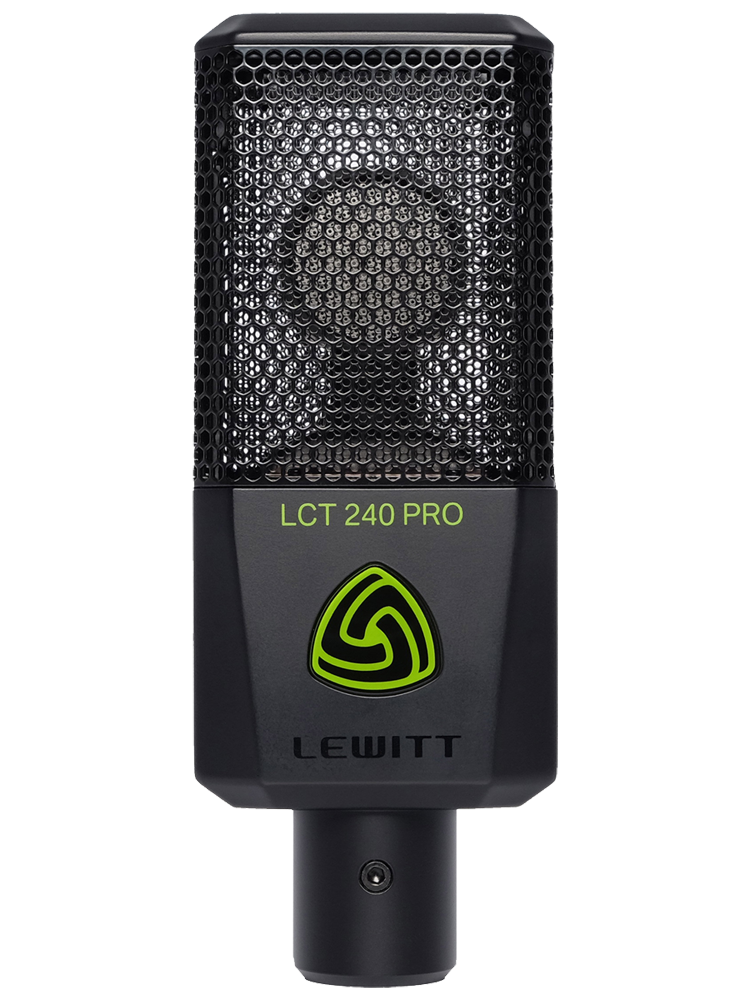
And a very plain back lol.
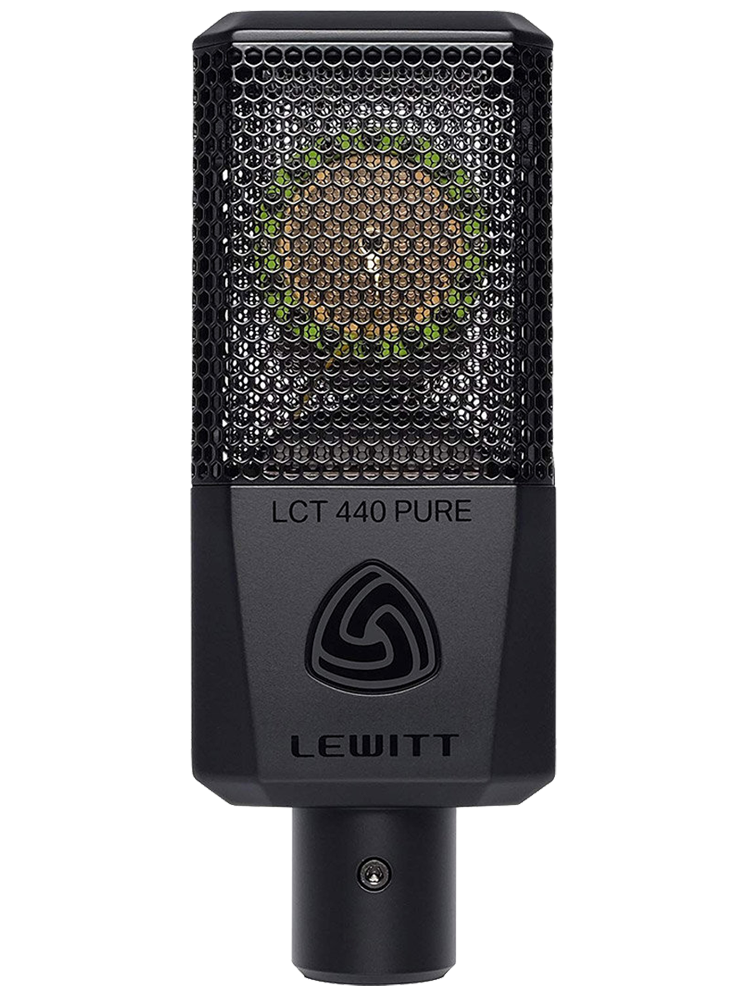
So very simillar to the 240 Pro, the front of the 440 Pure features the logo and large icon – only it isn’t bright green. 
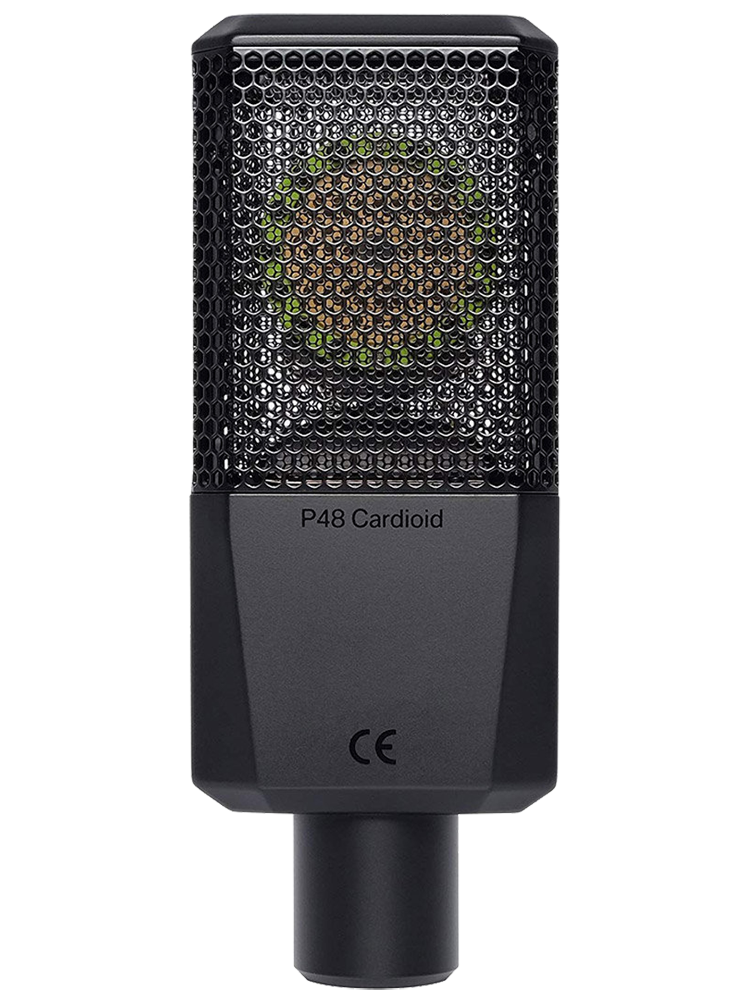
And a very plain back lol.
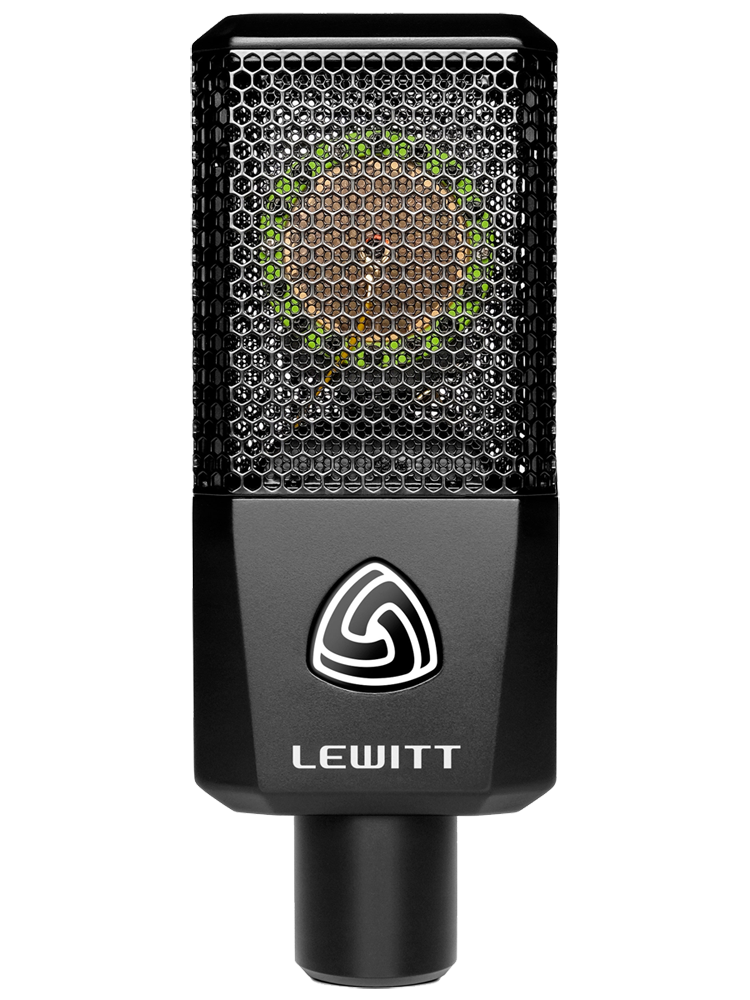
Something different from Lewitt now, with the new RAY mic that features an LED panel on the front, along with two control buttons.
This is a similar design to a lot of modern “streamer” mics, designed to have easy access to controls on the mic itself to make certain functions easier for the content creator. 
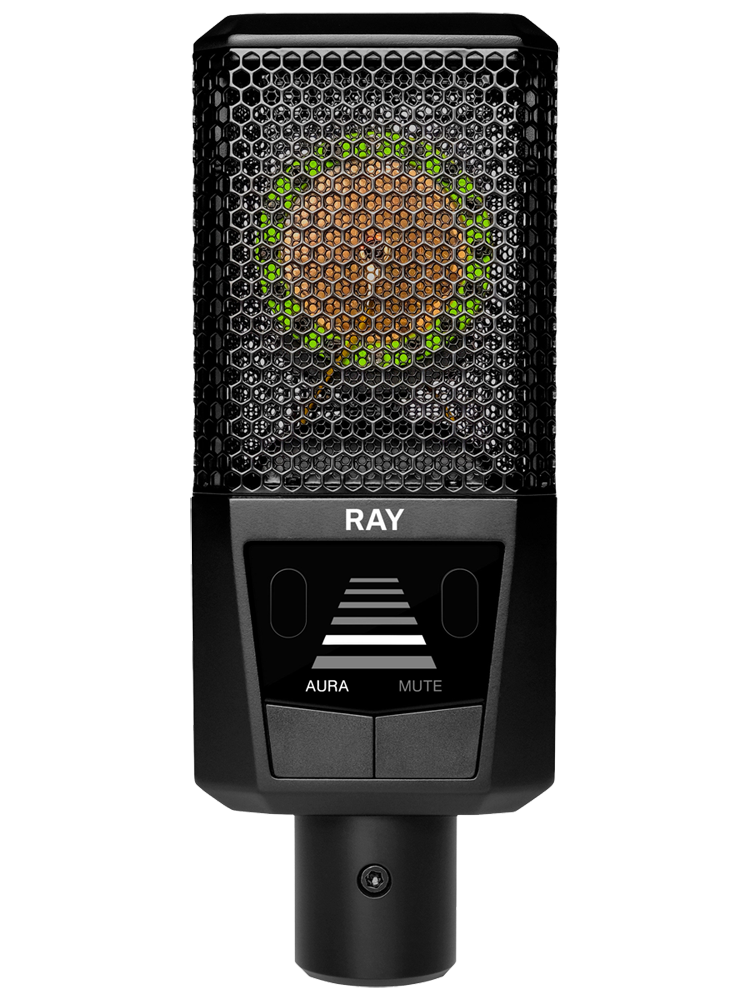
This new model is different in that the icon and logo are on the back – take special care with this!
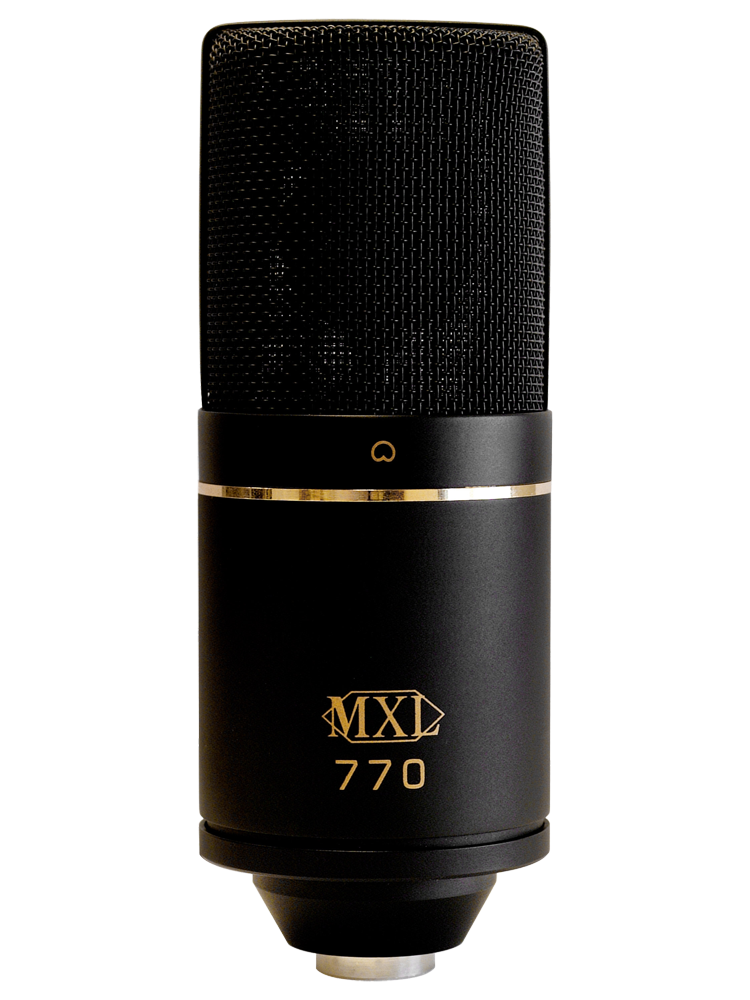
A classic starter mic, the front of the MXL 770 features its logo and the model number prominently on the front. 
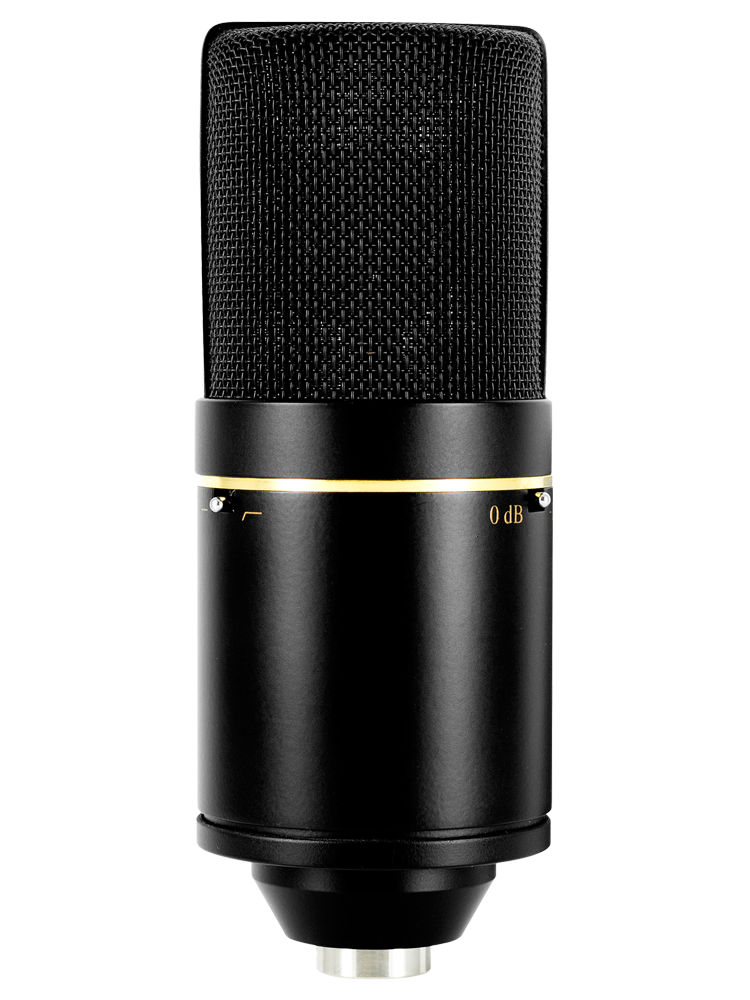
And the two switches are (mostly) visible on the back.
With a slightly more classical look than its 770 counterpart, the MXL 990 also features the logo and model on the front. 
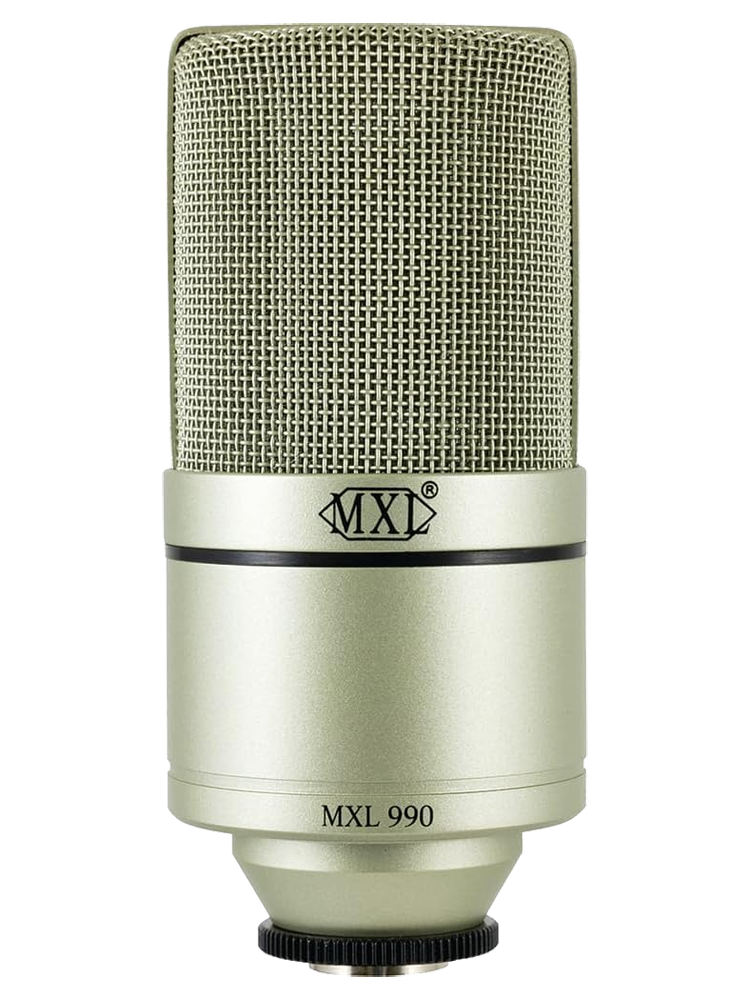
The exception being that the 990 doesn’t have on-board switches.
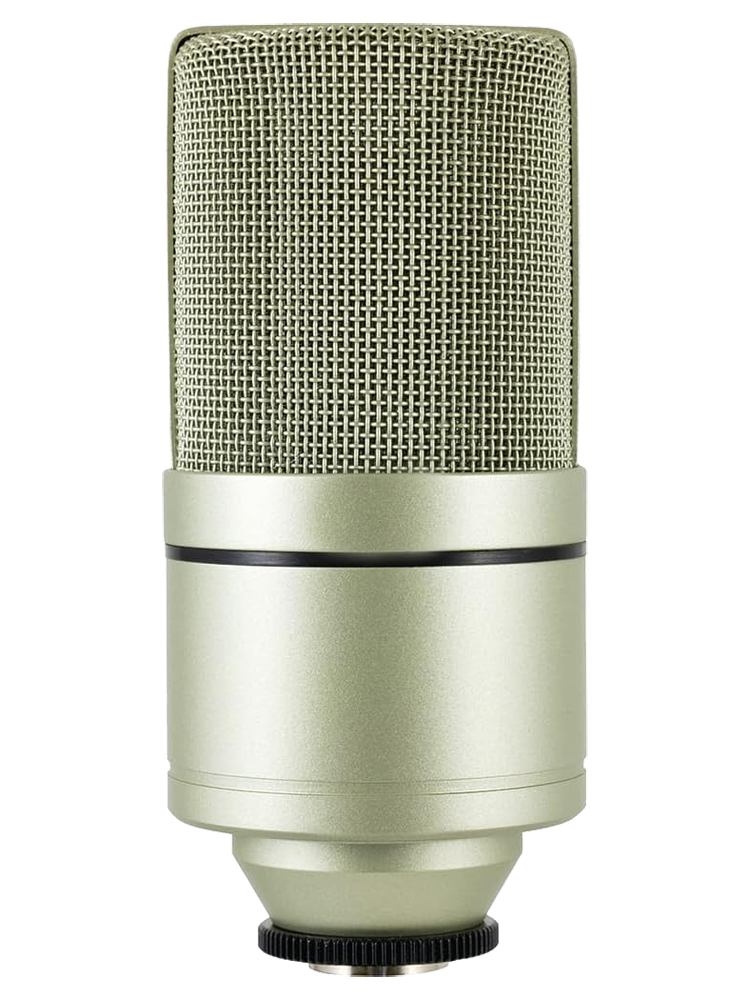
With a slightly more classical look than its 770 counterpart, the MXL 990 also features the logo and model on the front. 
The exception being that the 990 doesn’t have on-board switches.

With a slightly more classical look than its 770 counterpart, the MXL 990 also features the logo and model on the front. 
The exception being that the 990 doesn’t have on-board switches.

With a slightly more classical look than its 770 counterpart, the MXL 990 also features the logo and model on the front. 
The exception being that the 990 doesn’t have on-board switches.

With a slightly more classical look than its 770 counterpart, the MXL 990 also features the logo and model on the front. 
The exception being that the 990 doesn’t have on-board switches.

With a slightly more classical look than its 770 counterpart, the MXL 990 also features the logo and model on the front. 
The exception being that the 990 doesn’t have on-board switches.

With a slightly more classical look than its 770 counterpart, the MXL 990 also features the logo and model on the front. 
The exception being that the 990 doesn’t have on-board switches.

With a slightly more classical look than its 770 counterpart, the MXL 990 also features the logo and model on the front. 
The exception being that the 990 doesn’t have on-board switches.

With a slightly more classical look than its 770 counterpart, the MXL 990 also features the logo and model on the front. 
The exception being that the 990 doesn’t have on-board switches.

With a slightly more classical look than its 770 counterpart, the MXL 990 also features the logo and model on the front. 
The exception being that the 990 doesn’t have on-board switches.

With a slightly more classical look than its 770 counterpart, the MXL 990 also features the logo and model on the front. 
The exception being that the 990 doesn’t have on-board switches.

With a slightly more classical look than its 770 counterpart, the MXL 990 also features the logo and model on the front. 
The exception being that the 990 doesn’t have on-board switches.

4.d — Mic Patterns (aka "Polar Patterns" or "Pickup Patterns")
4.d.i — Omnidirectional ("Omni")
OUTPUT
For example:
XLR cables are a balanced cable and are what your microphone uses to connect to your audio interface, etc. (unless you’re using a USB mic)
The term Hertz (Hz) is the unit of frequency that is most often used to measure sine waves and musical
Using Infinity EQ from Slate Digital, Neth created an “expanded” look at generally accepted frequency ranges, beyond the basic ranges discussed to the left. It should be noted that, for voiceovers (in the beginning, at least) understanding the low / mid / high breakdown is all you need.
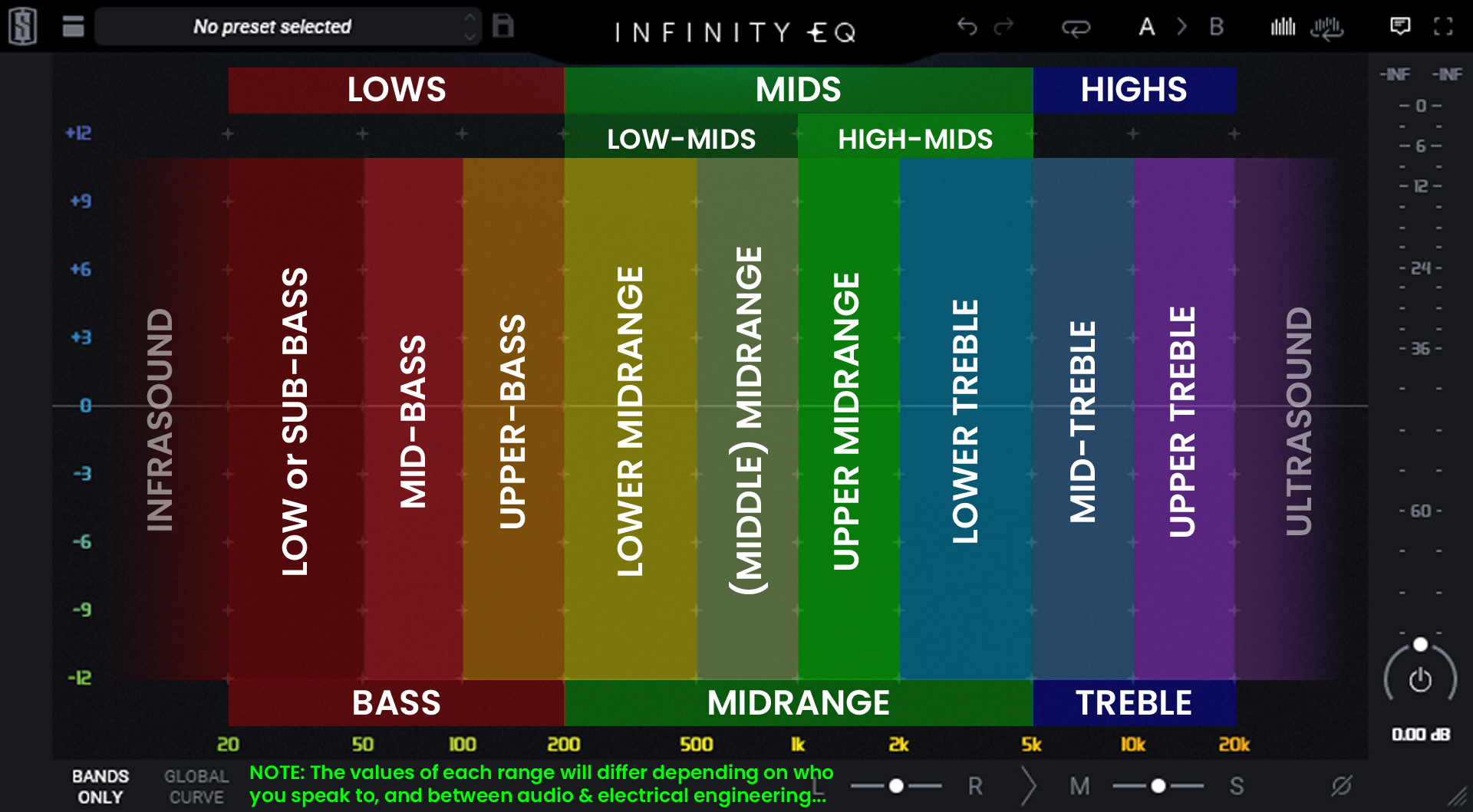
(click the image to see a larger size)
4.d.ii — Cardioid
4.d.ii.1 — Supercardioid
4.d.ii.2 — Hypercardioid
4.d.iii — Figure of Eight (aka "Bidirectional")
4.d.iv — Lobar
5 — Switch / Buttons on Your Microphone
6 — Sample Rate
7 — Bit Depth
7.a — Bit Depth vs. Bitrate
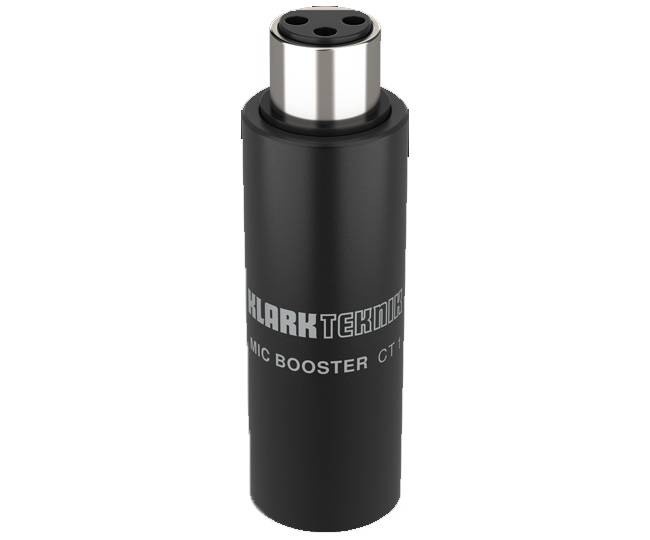
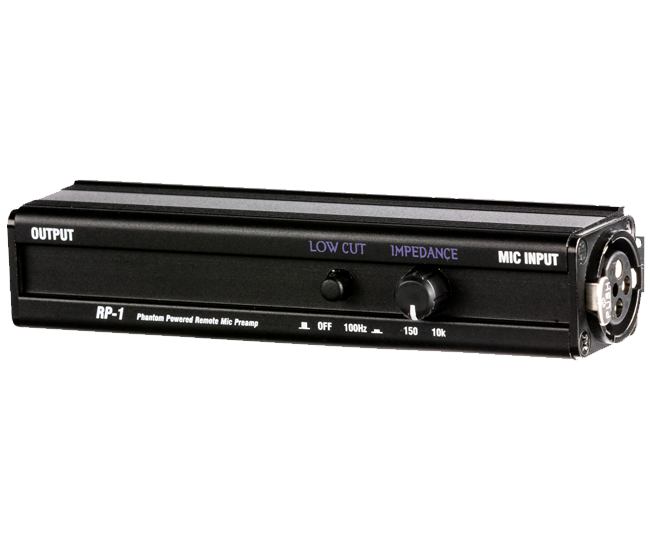
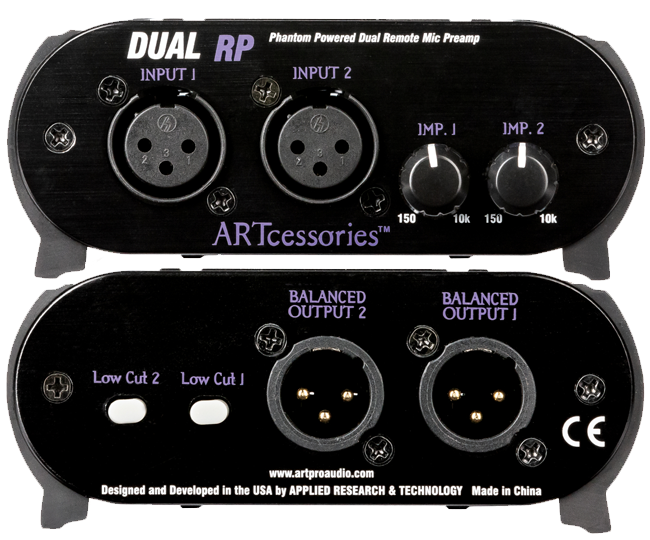
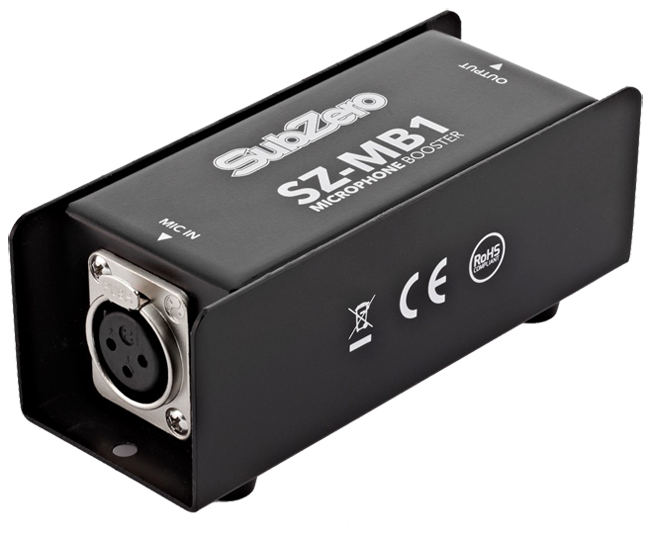
SZ-MB1 by SubZero (a Gear4Music.com brand I believe)
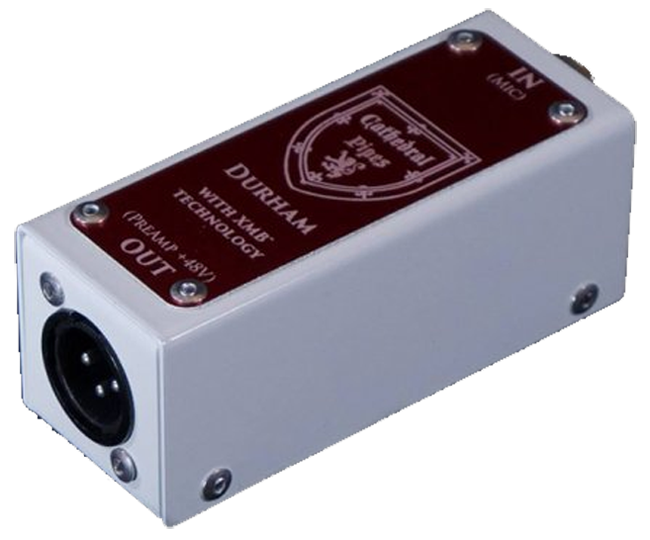
Durham MKII by Cathedral Pipes
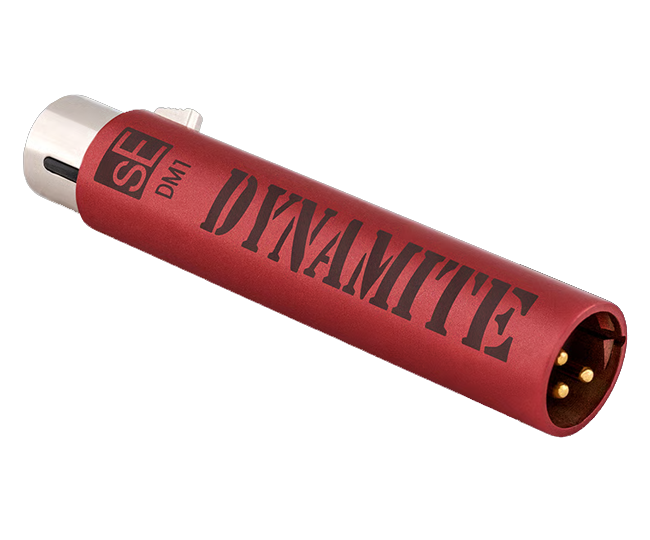
DM1 Dynamite by sE Electronics
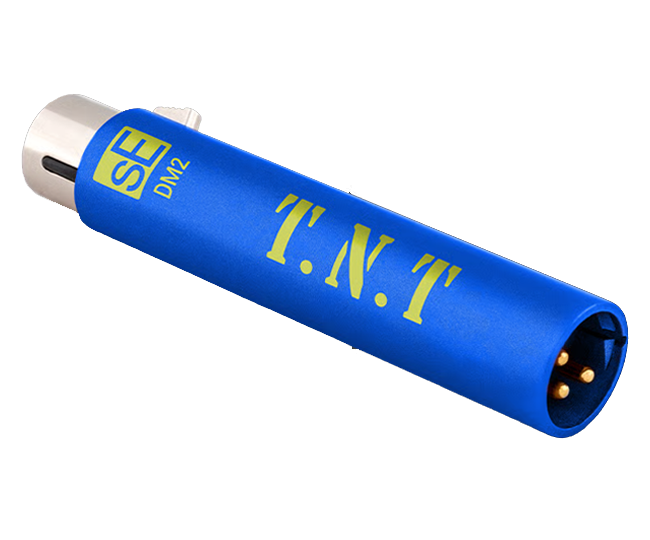
DM2 TNT by sE Electronics
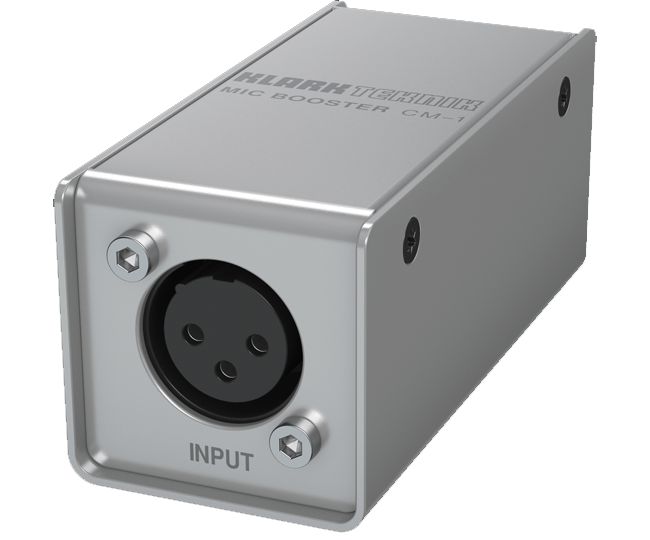
8 — Quantization
9 — Impedance
10 — Ohms Ω (234)
You’ve reached the end of Neth’s Notes™ — ↑ Back to Top ↑